
Customer email inquiry automation for your team
An inquiry can sit in a shared inbox without a clear owner or a matching record in the customer system. Gateflow connects email intake with the next steps in your service or sales process. Messages become assigned work, with a visible route for missing information and exceptions.
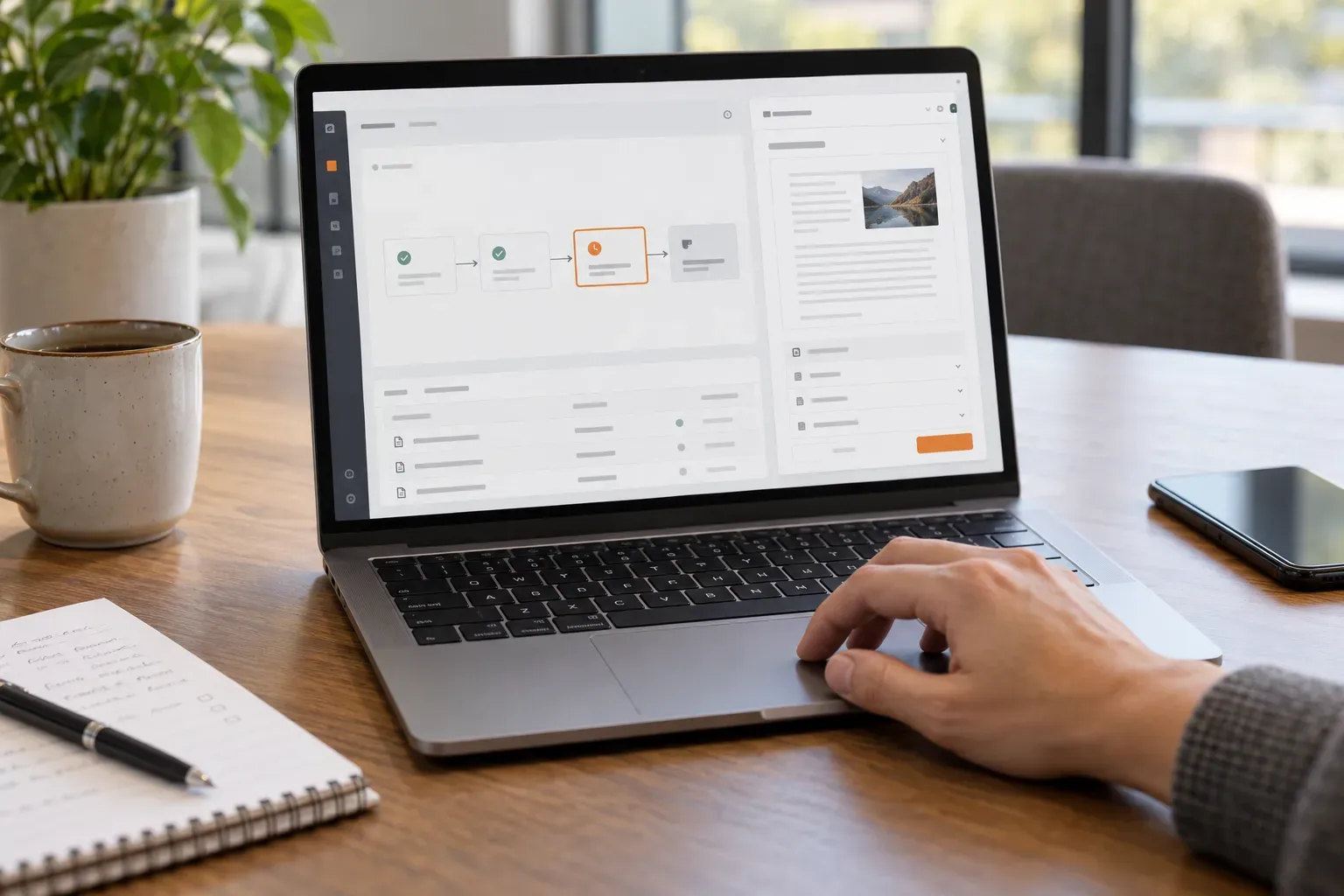
Email inquiry automation by Gateflow
Gateflow develops applications and integrations from Frankfurt for companies across Germany. Mailbox projects begin with the work that follows an incoming message: identifying the customer, assigning the request and tracking the response. The Gateflow company page explains the software and data services available when the mailbox is only one part of that process.
Mailbox intake with an agreed boundary
Choose the mailboxes, folders and message types included in the first implementation. Gateflow checks how access is granted and how a processed message is identified. Internal correspondence and unrelated mail need explicit treatment, so the workflow does not turn every message into a customer case or process a message again after moving folders.
Email classification that supports assignment
Your team defines categories that lead to a useful next step, such as a quotation request or a question about an existing order. Gateflow builds classification around those categories and representative messages. Unclear requests go to review. The result should help the responsible person find the original wording and correct a wrong assignment.
Customer inquiry workflows with visible ownership
Customer inquiry workflows connect the message to an assigned record, response status and follow-up. Gateflow agrees how responsibilities change when a colleague is absent or another department must answer. The system records those handoffs so an inquiry remains visible after the first notification and does not depend on one person remembering the email.
CRM integration for contacts and case records
Matching an email address to a customer can be straightforward until a message comes from a new contact or a shared address. Gateflow handles CRM integration with agreed matching and duplicate rules. A questionable match stays reviewable before a new case is attached to the wrong account or a duplicate customer is created.
Email attachments and conversation context
An attachment or earlier reply may contain information needed to understand the request. Gateflow specifies which formats are processed and which parts of a conversation belong to the case. Unsupported files and incomplete extracts receive a visible status. The original message remains available to the people responsible for checking the prepared record.
Response drafts with approval before sending
If response drafting is included, your team supplies the approved information and rules for review. The draft should identify missing facts instead of filling gaps with a plausible answer. Sending remains a separate action with agreed permissions. A recipient or order change must not silently inherit approval from an earlier version of the draft.
Mailbox automation tests and handover
Gateflow tests complete inquiries, repeated messages and cases that need manual handling. Your team checks assignment and the resulting customer records before rollout. The project process covers operating instructions and responsibility for failed runs, so the receiving team knows where to inspect a stalled inquiry and how to correct the record.
Discuss your email inquiry automation

Gateflow connects incoming customer emails to assigned cases in your business software. Your team receives a workflow that keeps original messages, processing status and exceptions visible for review.