
Headless CMS integration that connects editing and delivery
A headless CMS separates content editing from the website that displays the content. Gateflow connects these parts so editors can publish through an agreed workflow and developers can maintain the frontend independently. Projects are planned from Frankfurt for teams across Germany.
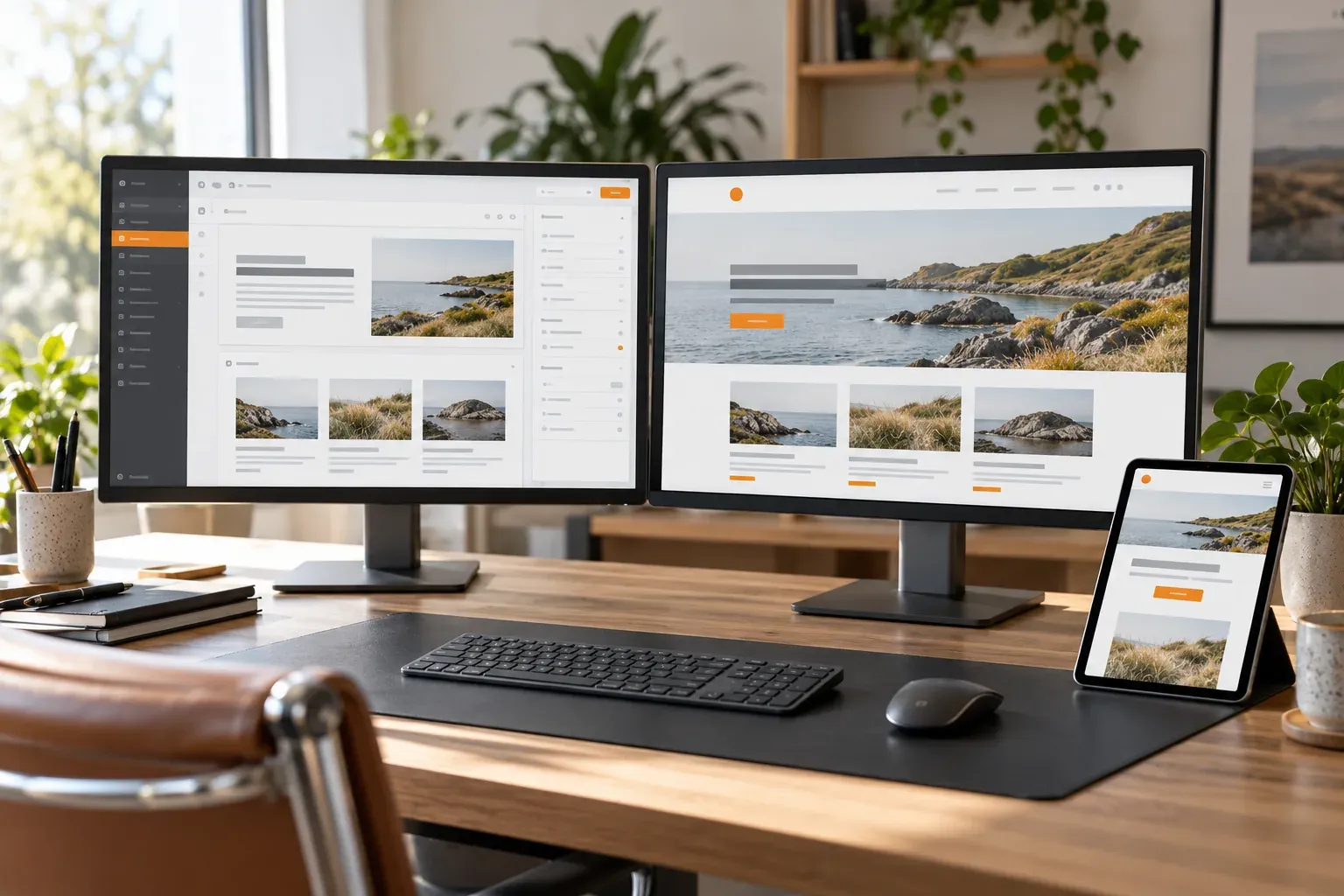
Headless CMS integration by Gateflow
The assignment starts with the content your team publishes and the channels that use the content. Gateflow checks whether a separate editorial backend serves those needs before proposing an integration. Gateflow's website work covers the customer-facing pages as well as the connections required to display and update their information.
CMS content modeling before API development
Editors need fields that describe their work: a service, a location or a document with clear relationships to other entries. Gateflow develops the agreed model with representative content and identifies mandatory fields. This prevents frontend templates from depending on text conventions that editors must remember or repair manually after each update.
Content API integration with defined access
A content API must provide the fields a page needs without exposing editing privileges to visitors. Gateflow separates delivery access from administrative access and checks error responses, pagination and media references. Existing system integration services support the connection work, including the handling of incomplete entries and unavailable upstream services during delivery.
Editorial preview before publication
An editor should be able to review a draft in the context of the page before approving publication. Gateflow agrees how preview access is granted and which content status the preview shows. The implementation also distinguishes preview URLs from public pages, so unpublished material does not enter ordinary navigation or search indexes.
Publishing workflow from change to live page
Saving a content record and updating a live page can be separate operations. Gateflow makes the agreed steps explicit, including build triggers, cache updates and notification of failed publication. The project working method records who approves changes and who investigates a publishing failure, reducing uncertainty when editors cannot see an expected update.
Headless CMS integration testing
Testing uses the content cases your editors actually encounter, including long headings, missing optional images and linked entries that change status. Gateflow checks both the editing-to-publication path and the website response when the CMS is unavailable. Your team can review these cases before the connection is accepted for routine publishing use.
Website performance with an external CMS
Fetching content during a visitor's request has different consequences from generating pages in advance. Gateflow chooses the delivery approach around update frequency and page behavior, then checks loading and failure handling. Website performance work can measure the resulting pages and identify whether content requests, images or frontend scripts are delaying use.
Headless CMS handover and further development
You will receive the agreed content models, integration code and publishing instructions, including where access keys are managed and how failures are investigated. CMS subscriptions and hosting remain explicit cost items. Gateflow can continue maintaining the connection or hand the work to your team, with later content types and channels scoped separately. Implementation effort depends on the content models and channels to connect, plus any custom preview or approval steps your editors need.
Discuss your headless CMS integration

Gateflow connects your headless CMS to the website and implements the agreed preview and publishing workflow. Your editors can test the path from a draft to a published page, with connection code and operating instructions included in the handover.