
n8n workflow development for your business processes
Connect repeatable work across your business systems with an n8n workflow built around your actual process. Gateflow develops the connections and decision steps, then tests the complete route with your team. The assignment includes what happens when information is missing, a person must approve an action or a connected service fails.
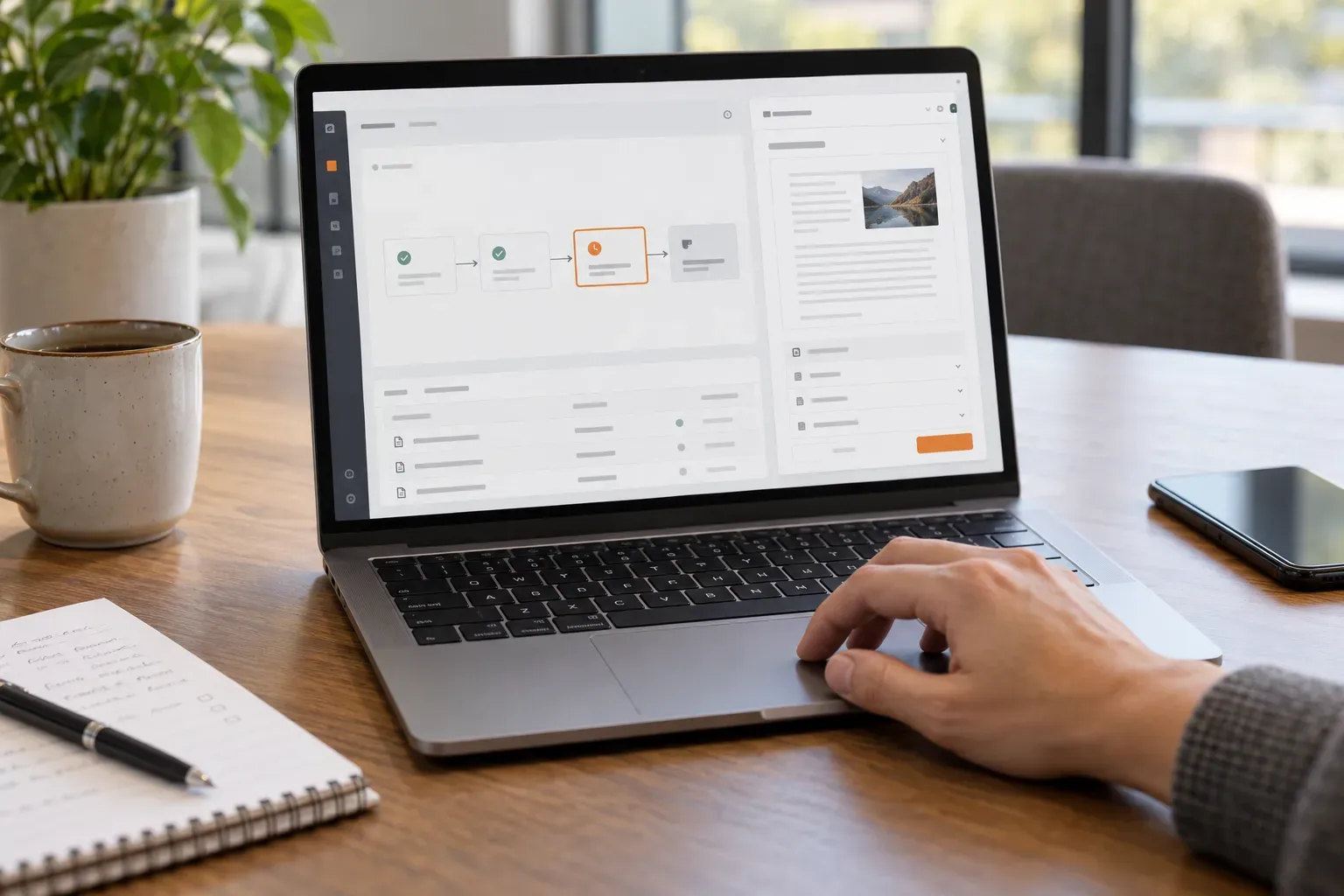
n8n development with Gateflow
Gateflow is an IT company in Frankfurt providing application development and system integration across Germany. An n8n assignment can start with a new process or the review of existing workflows. The company profile explains the wider services available when the automation needs changes in surrounding software. Your team names the process owner who will approve the implemented behavior.
Workflow scope from trigger to result
Describe the event that starts the workflow and the record or action that marks completion. Gateflow maps the steps and separates repeatable rules from decisions a person must make. The first delivery names the systems and exceptions included, so an appealing automation diagram becomes a process that your team can test against real work and accept.
n8n credentials and operating environment
Your team chooses the approved n8n environment and authorizes access to connected systems. Gateflow configures the credentials required for the agreed operations and records who renews or revokes access. Hosting responsibilities and any subscription requirements are clarified before implementation. Production access follows the customer approval process, with separate test access where the systems provide a suitable environment.
API integration for data and business actions
API integration connects n8n steps to the operations available in the destination software. Gateflow maps fields and checks how a system reports accepted or rejected requests. Existing nodes are assessed against the required behavior; an HTTP connection or a separate software change may be needed for an operation that the standard node does not expose.
Customer inquiry workflows with human review
Customer inquiry workflows can use n8n to assign incoming work and prepare the next step. Gateflow defines when a person reviews a proposed response or record change before execution. AI functions can be included where interpretation is required, with agreed checks on their output. Fixed routing rules remain explicit so your team can understand why a case reached a particular destination.
n8n error handling and controlled retries
A failed execution needs a visible result and someone responsible for the next step. Gateflow configures agreed error handling and records what a retry may repeat. The workflow checks whether a destination action already happened before attempting that action again where the interface supports such verification. Failure notifications point the receiving team to the execution record needed for investigation.
Workflow acceptance with representative cases
Your team supplies normal inputs and known exceptions for the acceptance set. Gateflow checks the completed records and approval behavior, including repeated events and unavailable services. The results identify cases still requiring manual handling. The amount of implementation work depends on the connections and exception paths included, so extensions receive their own scope and acceptance criteria.
n8n handover and continued maintenance
You will receive the agreed workflow configuration, test findings and operating instructions. The project process records ownership of credentials and what to inspect when a run stops. Gateflow can maintain the workflow or extend the process under a further agreement. Before changing a node or connected service, the responsible team checks the affected behavior against the accepted cases.
Discuss your n8n workflow development

Gateflow develops n8n workflows that connect the systems and review steps your process requires. You will receive the workflow configuration, test results and instructions for handling failed executions.