
Customer portal development for service and account access
Customers often contact a team for information the business already holds: a document, an order status or the next step in a request. Gateflow develops customer portals that make selected information and actions available through an account. Your team decides what customers can handle themselves and where personal support remains necessary.
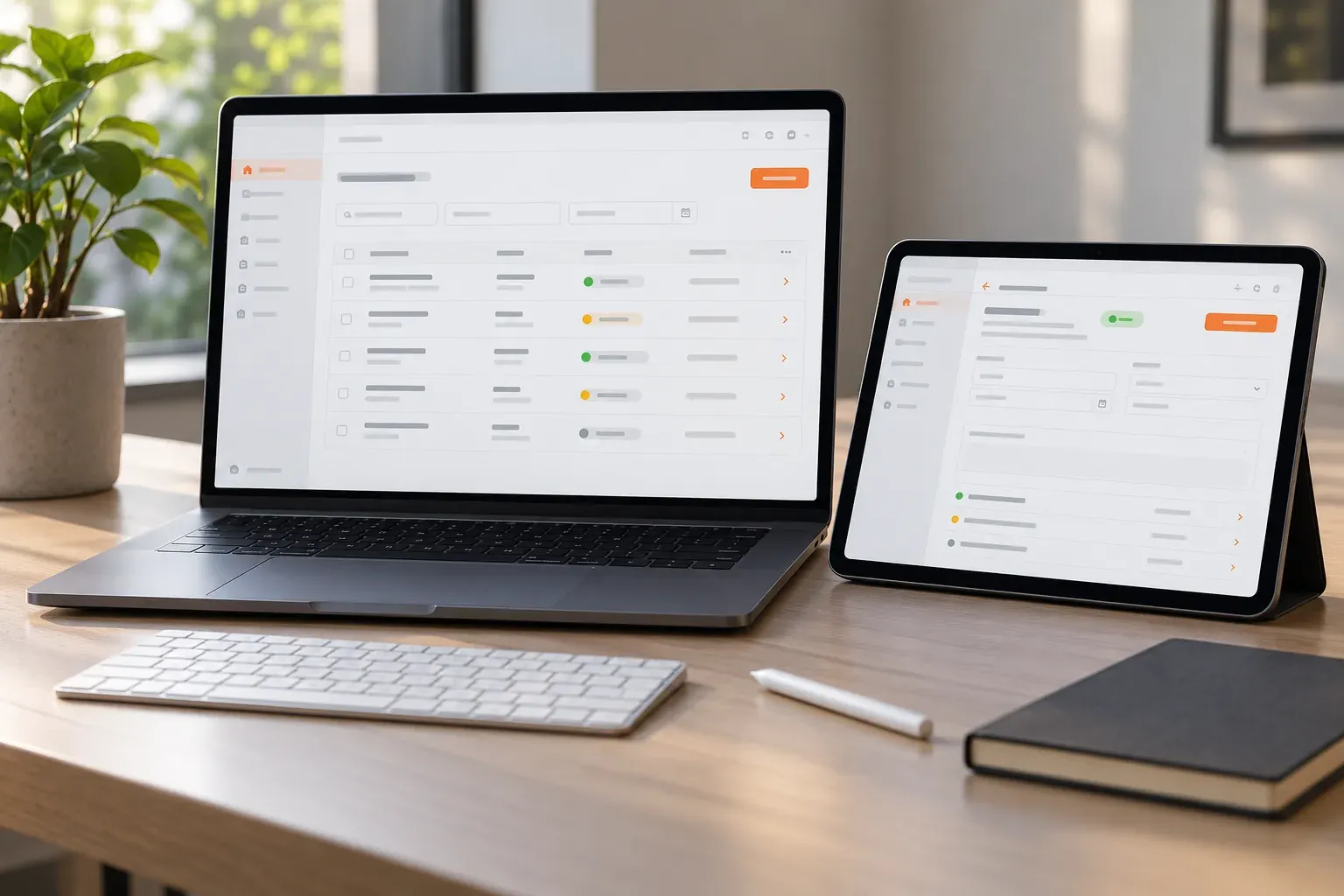
Customer portal development by Gateflow
Gateflow builds business applications and connects existing systems from Frankfurt. The company profile explains this combination of development and integration work. A portal project begins with customer tasks, not a list of screens. The first version can concentrate on the request or document access that currently causes the most repeated contact.
Customer self-service with a clear first task
Choose a task with a recognizable beginning and end, such as retrieving an approved document or updating contact details. Gateflow identifies the required information and confirmation. The scope also records which requests must return to a staff member, so self-service does not leave customers stranded when an exception occurs. The proposal separates portal functions from changes needed in the systems supplying customer data.
Portal accounts and customer permissions
A customer account must only show the records the account holder may access. Gateflow defines how people join an organization, receive permissions and lose access when a relationship ends. Tests include direct record links and downloaded documents, because hiding a menu entry alone does not enforce the underlying access rule.
Customer portal integration with CRM and ERP
A portal should read order or account data from the agreed authoritative system. Gateflow plans system integration to define which fields are shown, which can be edited and how changes return to the source. Unavailable connections need understandable messages and a handling path instead of silently displaying misleading information.
Document access inside the customer portal
Document delivery includes more than placing files behind a sign-in. Gateflow agrees document categories, versions and the account relationships controlling access. Your team decides whether a file is merely downloadable or also requires acknowledgment. Expired or replaced documents need a clear treatment so the portal reflects the intended business record.
Portal usability on phones and larger screens
Customers may arrive from an email on a phone and finish the task later on a larger screen. Gateflow checks the route from sign-in to the chosen task, including form corrections and empty results. Labels and status messages explain what happened and what the customer can do next without relying on internal terminology.
Customer portal testing before release
The project process includes review with representative account types and customer tasks. Gateflow checks permitted actions, denied access and behavior when source data is missing. Your team reviews the portal with sample records before launch. The release plan also names who answers account questions and investigates integration failures during early operation.
Customer portal maintenance and new functions
A new document type or service process may change the portal after launch. Gateflow offers application development and maintenance for agreed updates and extensions. Code access, operating instructions and responsibilities are recorded for your team. Additional self-service functions can then be assessed against actual customer needs and the systems providing the data.
Discuss your customer portal

Gateflow develops a customer portal for the agreed self-service tasks, with account permissions and connections to your existing systems. Your customers receive access to the selected records and documents, while your team receives the instructions for administering accounts and handling exceptions.