
ERP migration data preparation before the import
ERP implementation teams need records that match the target rules before a transfer can be approved. Gateflow prepares source data, documents corrections and checks trial files with the people responsible for the business meaning. ERP product configuration and the final release decision stay within the agreed project responsibilities.
ERP data preparation as a defined work package
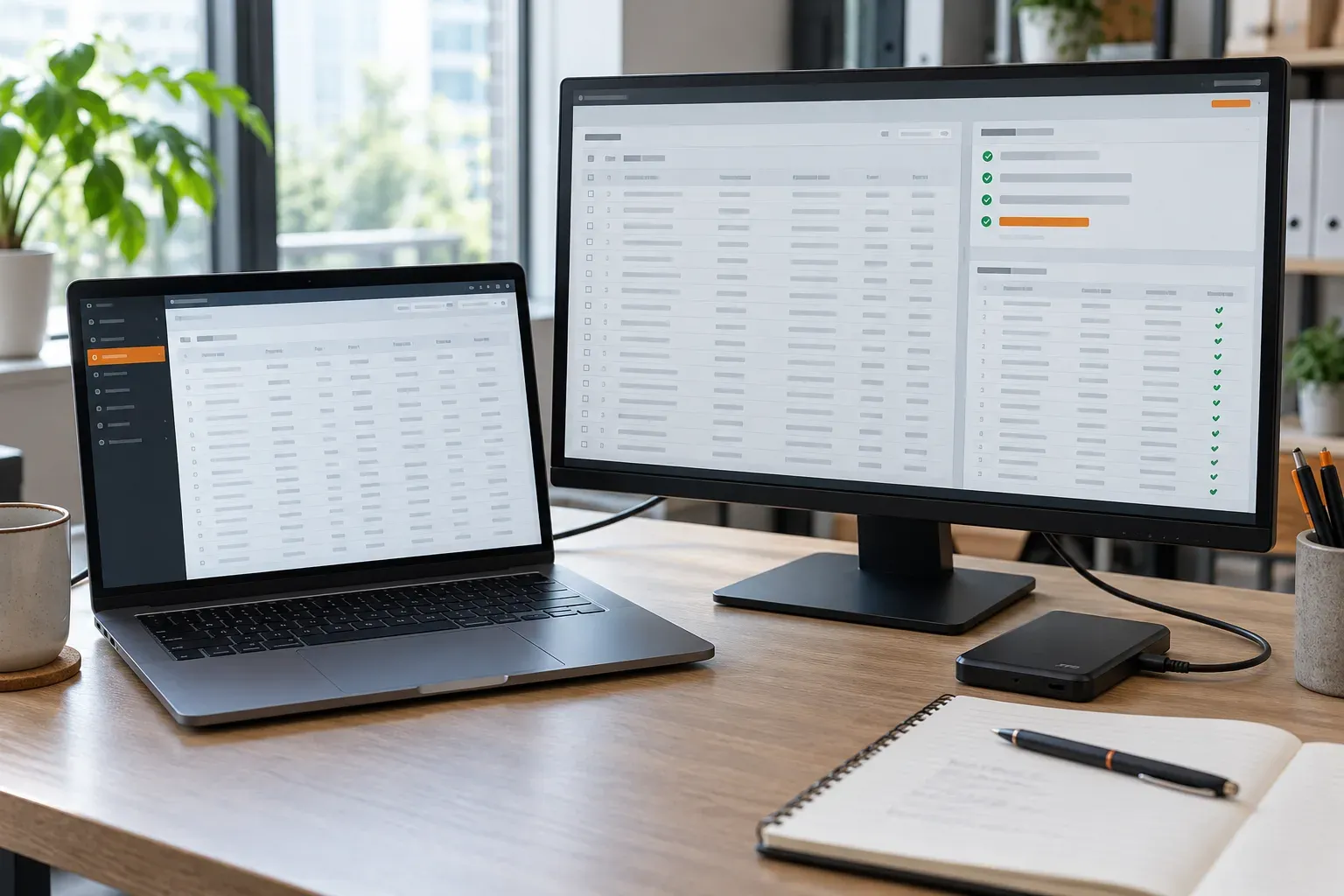
Gateflow supports ERP projects with a defined data work package from Frankfurt. The starting point is an export and the import specification supplied by your ERP team. Data migration and integration covers the technical preparation. Gateflow agrees which records to handle and which product-specific decisions require your implementation partner before committing to a delivery date.
ERP source data: choose the migration objects
Customer and supplier masters, product records and open transactions have different dependencies. Your business owners decide which objects and periods belong in the migration. Gateflow records the source of each extract and any unresolved ownership. Historical material that will remain elsewhere needs an agreed access plan rather than an unexplained omission from the import.
ERP data cleansing starts with an assessment
Before changing records, Gateflow profiles the agreed extract for empty required fields, conflicting identifiers and unusual values. The data quality assessment states whether checks cover a sample or the full supplied dataset. Findings are grouped by correction rule and business owner, so the team can resolve recurring defects together instead of editing rows without a shared rule.
ERP field mapping needs business decisions
Units, tax categories and account references cannot be guessed from column names. Gateflow prepares the field map and marks values that need a business decision. Approved conversions are recorded with their source assumptions. Your ERP specialist checks destination constraints, including permissible codes and record relationships, before those rules are applied to a production extract.
ERP import files that can be reproduced
Manual corrections become difficult to explain when several test rounds use different spreadsheets. Gateflow keeps the input version and applies documented transformation steps to generate the agreed import files. Rejected records remain visible with reasons. A correction to the rule can then be tested on the same source material before another extract is prepared.
ERP migration tests and reconciliation
The ERP team runs the agreed trial import; Gateflow compares the supplied results with the prepared data. Counts, selected values and business totals are checked where the scope requires them. The delivery process records discrepancies and decisions for the next trial. A successful file upload is only one check within the acceptance agreed by the customer.
ERP cutover preparation and final extracts
The final preparation plan names the source snapshot, the correction deadline and the people who can approve exceptions. If source records continue changing, the team needs a defined treatment for those changes. Gateflow prepares the agreed data package and its checks; the ERP deployment team controls the production import under the customer release procedure.
ERP migration support for your implementation team
You will receive the prepared files, transformation rules and remaining exceptions within the agreed scope. Send the target import format and a sample source extract to discuss the work. The estimate records the migration objects and test rounds included, with additional correction cycles agreed separately. The Gateflow company profile explains the wider technical services. Support can be remote or include agreed workshops in Frankfurt, the Rhine-Main region or other German locations.
Discuss ERP migration data preparation

Gateflow prepares ERP import files using the field rules approved by your business team. You will receive versioned files and documented transformations that your ERP implementation team can review against the trial import results.