
Invoice data extraction with checks before transfer
Invoice details often move from a PDF into accounting software through manual copying. Gateflow builds extraction workflows that prepare the required fields for review and transfer. The project specifies document types, validation rules and the destination format, while your finance team remains responsible for accounting decisions and approval.
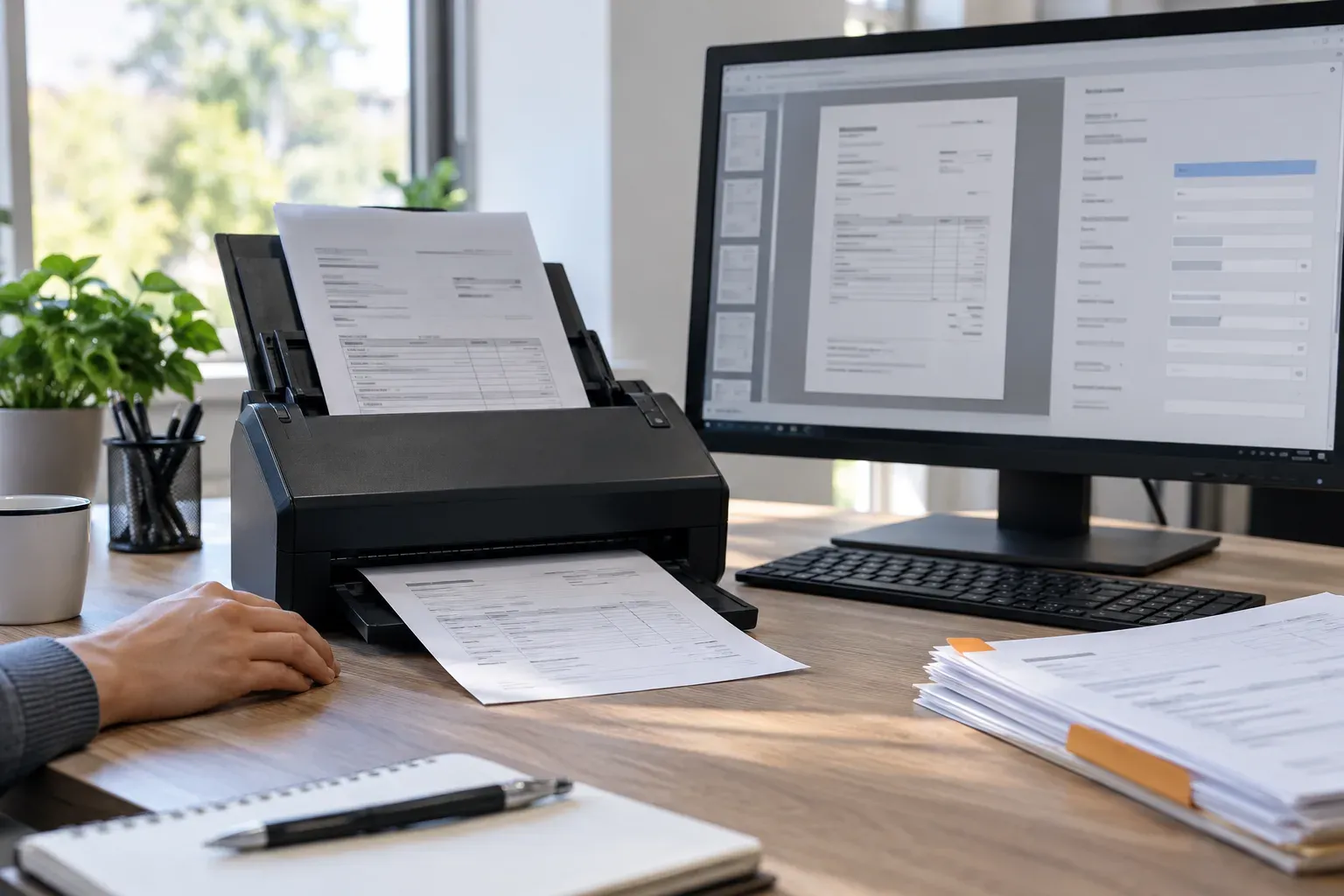
Invoice processing with Gateflow
Gateflow develops data workflows and system integrations from Frankfurt. An invoice assignment focuses on the technical path from an incoming file to a checked record. The Gateflow services overview explains the software work available around that path, including review interfaces when the existing application cannot show extracted values beside the original invoice.
Invoice PDF extraction for agreed document types
Your sample should include supplier layouts and the file types the team actually receives. A scanned invoice, a text PDF and a structured electronic invoice require different processing. Gateflow examines which information is already available in a machine-readable form before adding recognition or model-based extraction to the parts that need interpretation. Include typical monthly invoice volume and checked examples of the required output to support effort planning and later acceptance.
Invoice fields and reference data
Agree which values the destination needs, including supplier identifiers and the treatment of line items. Gateflow maps these fields to approved reference data and records unresolved matches. A readable supplier name does not establish the correct account by itself. Your team decides how unfamiliar suppliers and ambiguous references should be handled.
Data extraction checks for invoice values
Data extraction checks compare required fields and relationships such as line values and document totals using rules supplied by the customer. Differences are presented for review with a source reference. Documents requiring an accounting or commercial decision are referred to the responsible finance team member, who can check the original invoice.
Accounting system integration and transfer status
Accounting system integration uses the documented import or API options of the receiving software. Gateflow checks accepted formats and how the destination reports a successful transfer. The workflow records rejected imports and prevents an uncertain retry from creating an extra record. Access to proprietary interfaces must be available within the agreed project.
Duplicate invoice checks before another import
A supplier may send the same invoice twice or resend a corrected version. The project needs a rule for distinguishing duplicate files from changed documents. Gateflow agrees comparison fields and review behavior with your team. A correction must not silently overwrite an approved record or disappear because a similar invoice was already processed.
Invoice extraction tests and acceptance
The acceptance set includes credit notes, unusual layouts and documents with missing or unclear values where those types are in scope. Gateflow compares extracted fields with checked reference records. Your finance team reviews the errors and excluded cases, then decides whether the agreed level of coverage is suitable for the intended workflow.
Invoice workflow handover and operating rules
The handover documents field mappings, validation rules and the steps for resolving rejected records. Retention and accounting requirements come from your responsible advisers and existing policies. The project process identifies who maintains supplier rules and access after delivery, so a changed document format has a named route for investigation and correction.
Discuss your invoice data extraction

Gateflow develops invoice extraction with field checks and a connection to your accounting software. Your finance team receives prepared records and flagged differences to review before approving transfer.