
Network equipment rack installation support
A network rollout needs physical installation work as well as configuration. Gateflow supports the agreed mounting and connection work for network equipment in customer racks. The assignment makes the boundary between installation and network administration explicit, so the receiving team knows what is ready for configuration and testing.
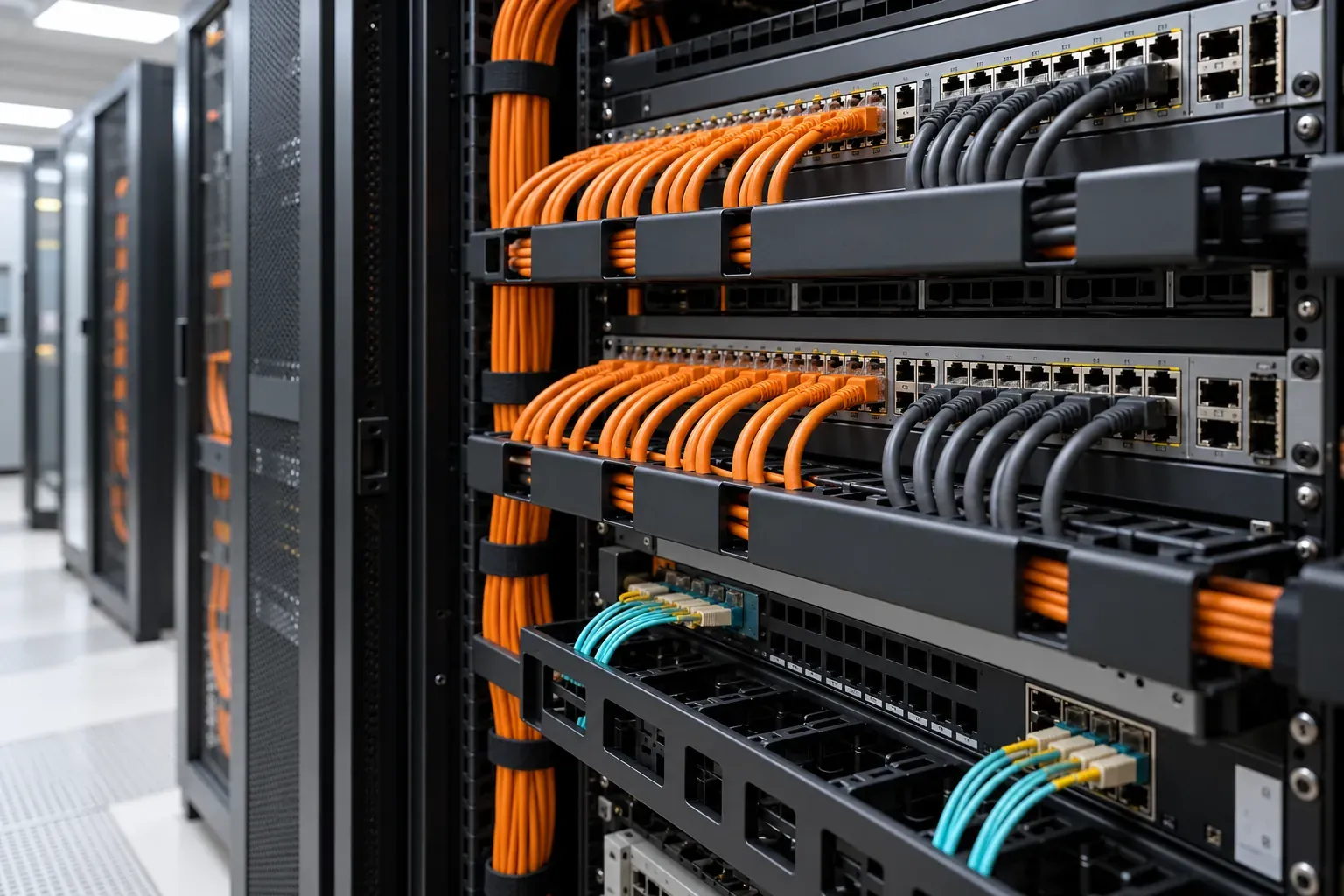
Network hardware installation: identify the devices and scope
Gateflow mounts the specified switches and routers with the approved hardware and connects the assigned patch leads. The data center installation and moves work package names devices, rack positions and installation checks. Network configuration and security-policy changes remain with the designated network team.
Mounting preparation: verify the supplied accessories
Equipment supplied for one installation may not include every bracket or accessory needed for the actual rack. The preparation checks the mounting requirements against the delivered parts and site restrictions. Missing hardware is recorded before installation, preventing a substitute fastening or improvised position from becoming an undocumented project decision.
Infrastructure readiness: confirm the intended connections
The network plan should identify the required port assignments and any operator-provided services. IT infrastructure support can cover an additional agreed preparation task when these inputs are incomplete. Gateflow does not infer VLANs, uplink configuration or security rules from a physical port label; those decisions need the designated technical owner.
Equipment identification: maintain the allocation through installation
Several identical switches can carry different roles in the target network. Serial numbers and customer identifiers should remain associated with the intended rack positions. Gateflow records the agreed allocation and reports substitutions so the configuration team does not apply a prepared setup to a different unit without knowing about the change.
Network rollout coordination: sequence replacement work
Installing additional equipment differs from replacing a device that carries live traffic. Technical migration coordination can connect the physical sequence with service release and recovery decisions. Existing network connections stay under the authorized change process, with a named owner able to decide if the installed state differs from the plan.
Physical acceptance: define what the installer confirms
An installation check can confirm the agreed position, mounting and connection record. An installation check cannot alone prove routing behavior, resilience or application access. The customer should assign those functional checks to the appropriate team and state which result permits the next step, particularly when replacing equipment within an existing production network.
Network installation handover: support the next team
The network administrator needs the actual device allocation, connection details and any unresolved installation issues. Gateflow's working process sets this handover alongside the physical assignment. The record should show what changed on site so configuration work starts from the installed state rather than from an outdated delivery or rack plan.
Rack installation support: provide the hardware plan
For scoping, provide device models, quantities, rack positions and the proposed work window. Identify the configuration owner and whether live services are affected. Mounting requirements, connection counts and readiness for installation inform the estimate. Gateflow agrees the physical work package, required permissions and handover to the network team.
Network hardware installation: discuss the assigned work

Gateflow mounts the specified switches and routers and connects the approved patch leads. Your network team receives the device allocation and connection records needed for configuration and functional testing.